Runtime & health
See what is running and how it is performing.
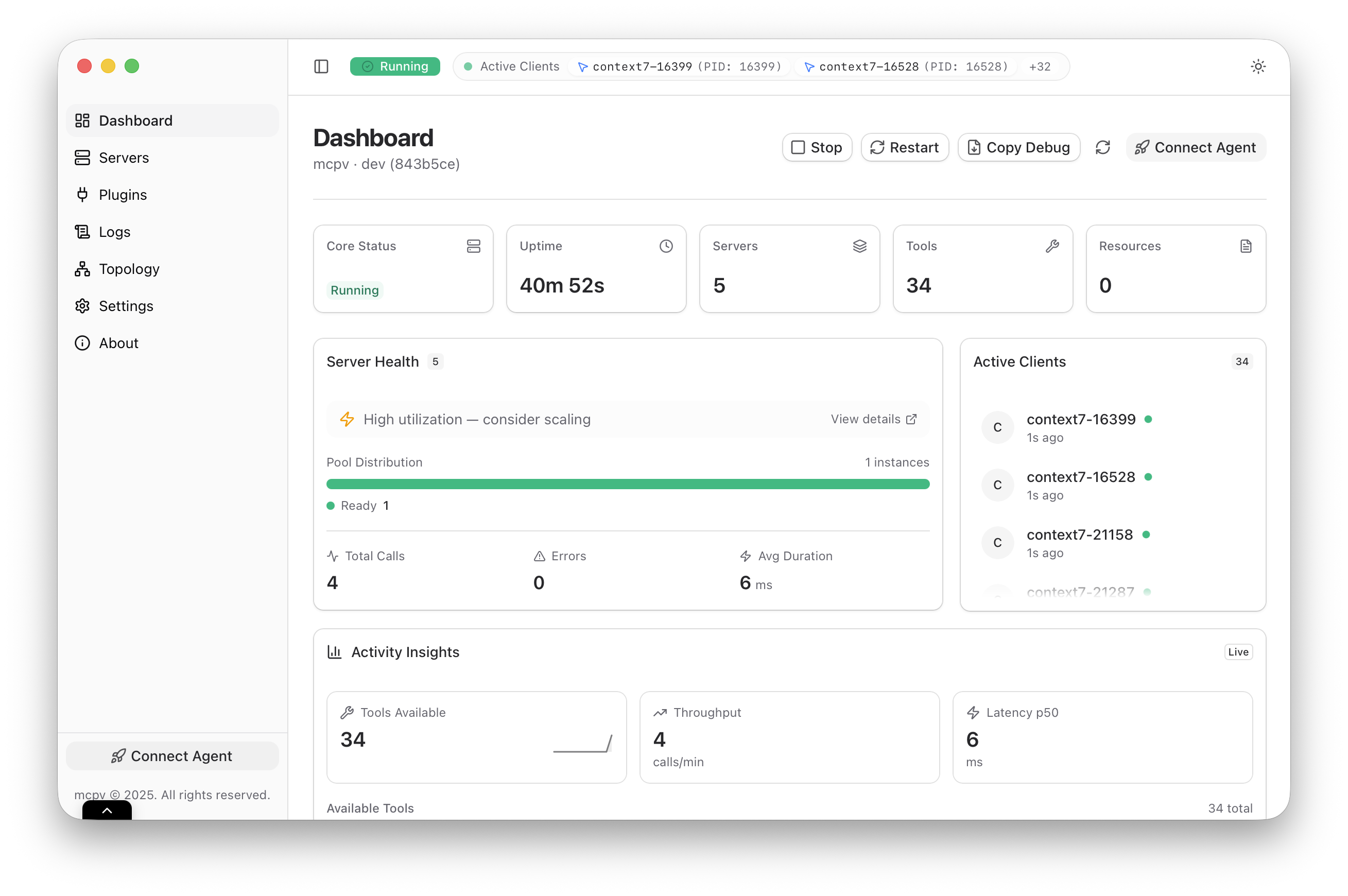
The Dashboard gives you a live snapshot of MCPV. It summarizes server counts, activity, and overall health so you can spot changes at a glance.
What to look for
If the core is running, the dashboard should look calm: numbers update, activity appears when clients call tools, and idle servers stay available without wasting resources. If anything is off, the dashboard is usually the first place you will notice.
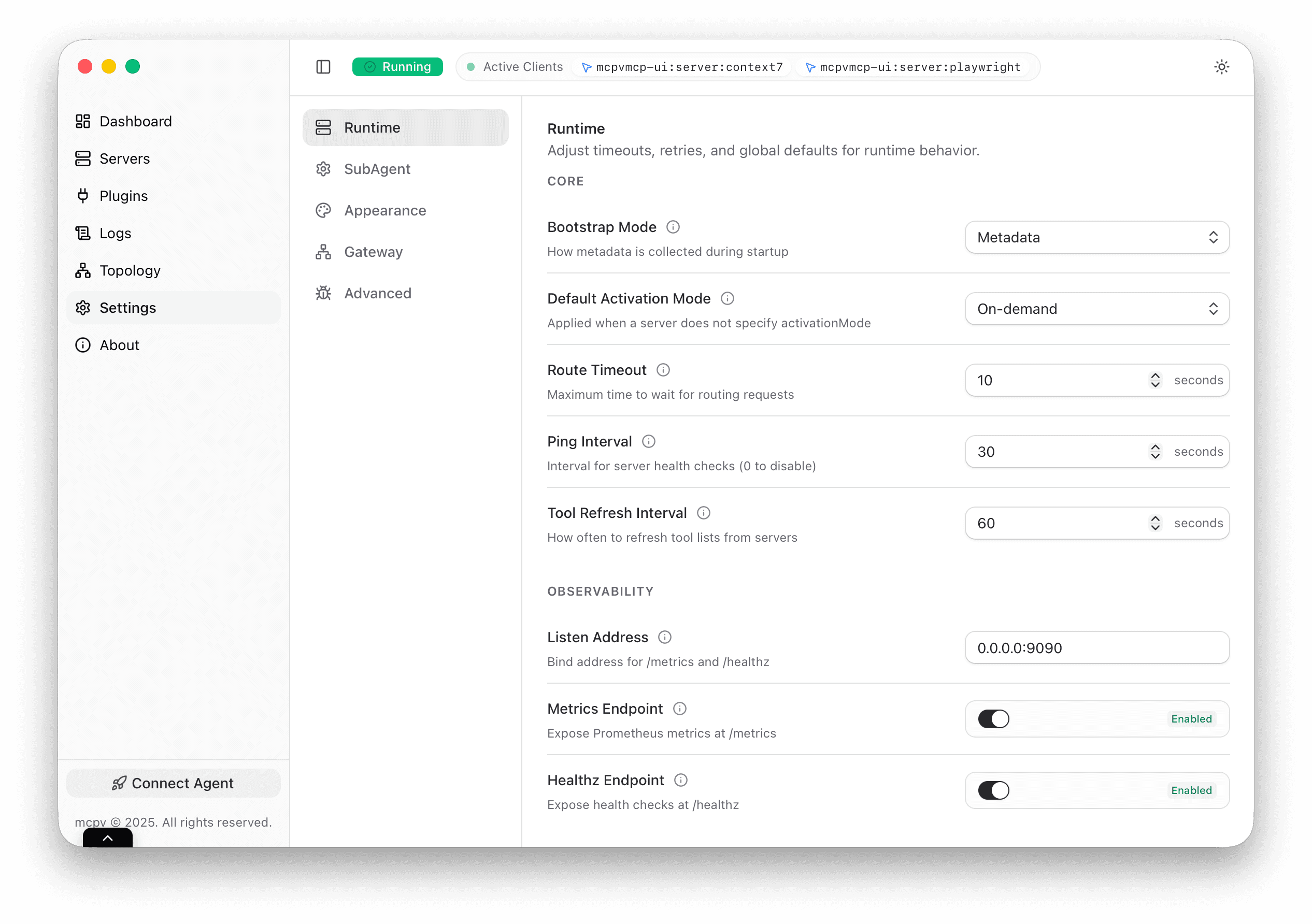
Runtime defaults
MCPV UI lets you adjust global runtime defaults such as timeouts, retries, and naming rules. These values apply across servers, so they are the right place to enforce consistency. If you are not sure, keep the defaults. They are chosen to be safe for most users and stable under load.
Health signals that matter
A healthy server does not just run, it responds. Focus on recent calls, error counts, and whether instances restart often. Those signals tell you more than a single status color ever could.
How updates propagate
When you change a runtime setting, the core reloads its configuration and applies the new defaults. Existing instances continue to serve requests, while new ones inherit the updated settings. This avoids disruption while still keeping the system consistent.
Live status
Runtime status updates continuously. If a server restarts or becomes idle, you will see it here without refreshing the page.