
Import servers
Bring existing MCP servers into MCPV UI quickly.
If you already have MCP servers defined elsewhere, import is the fastest path. It keeps names, commands, and tags consistent so you do not have to rebuild your setup by hand.
Import from your local IDE configuration. This is the easiest option because it preserves the exact commands you already use.
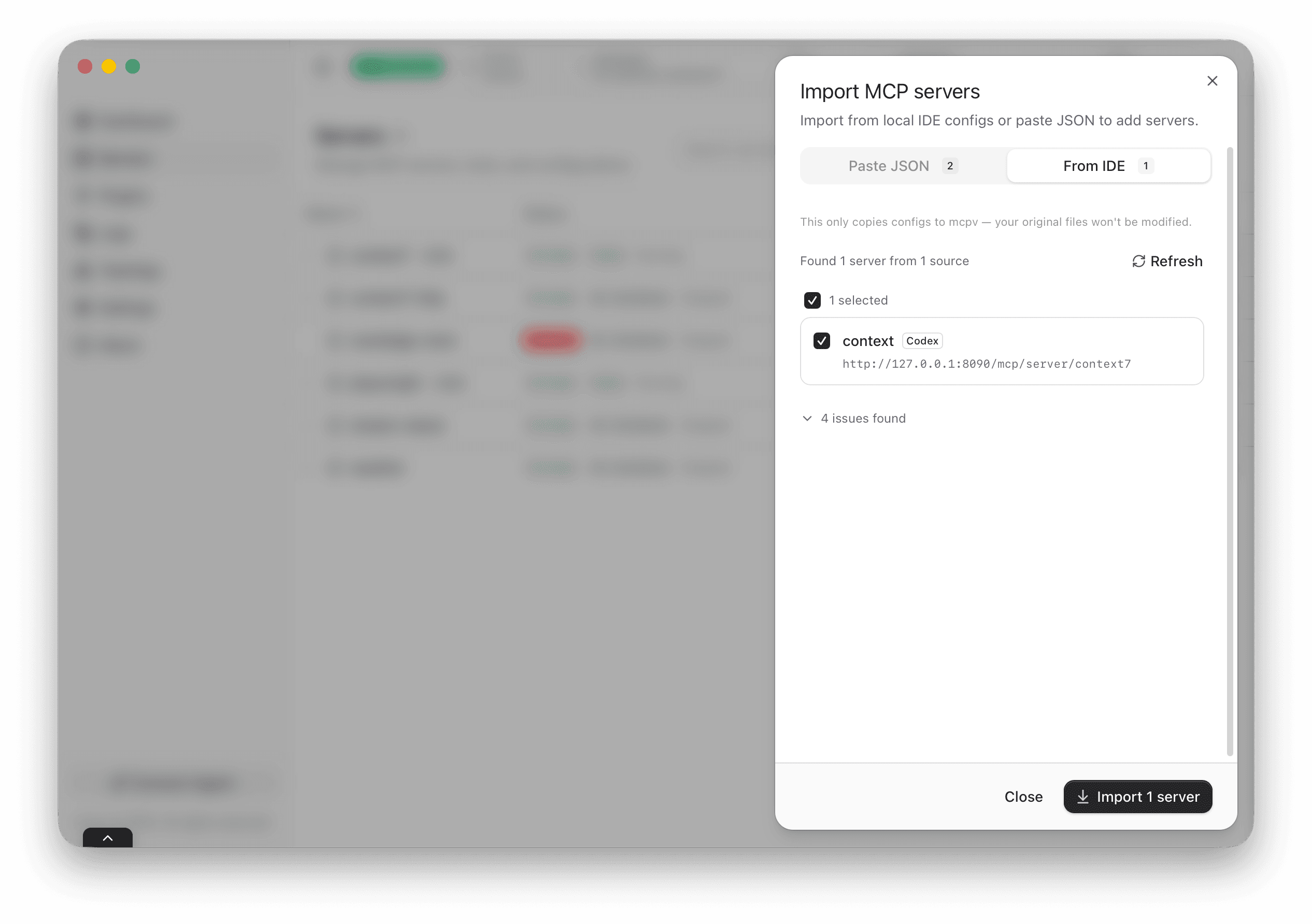
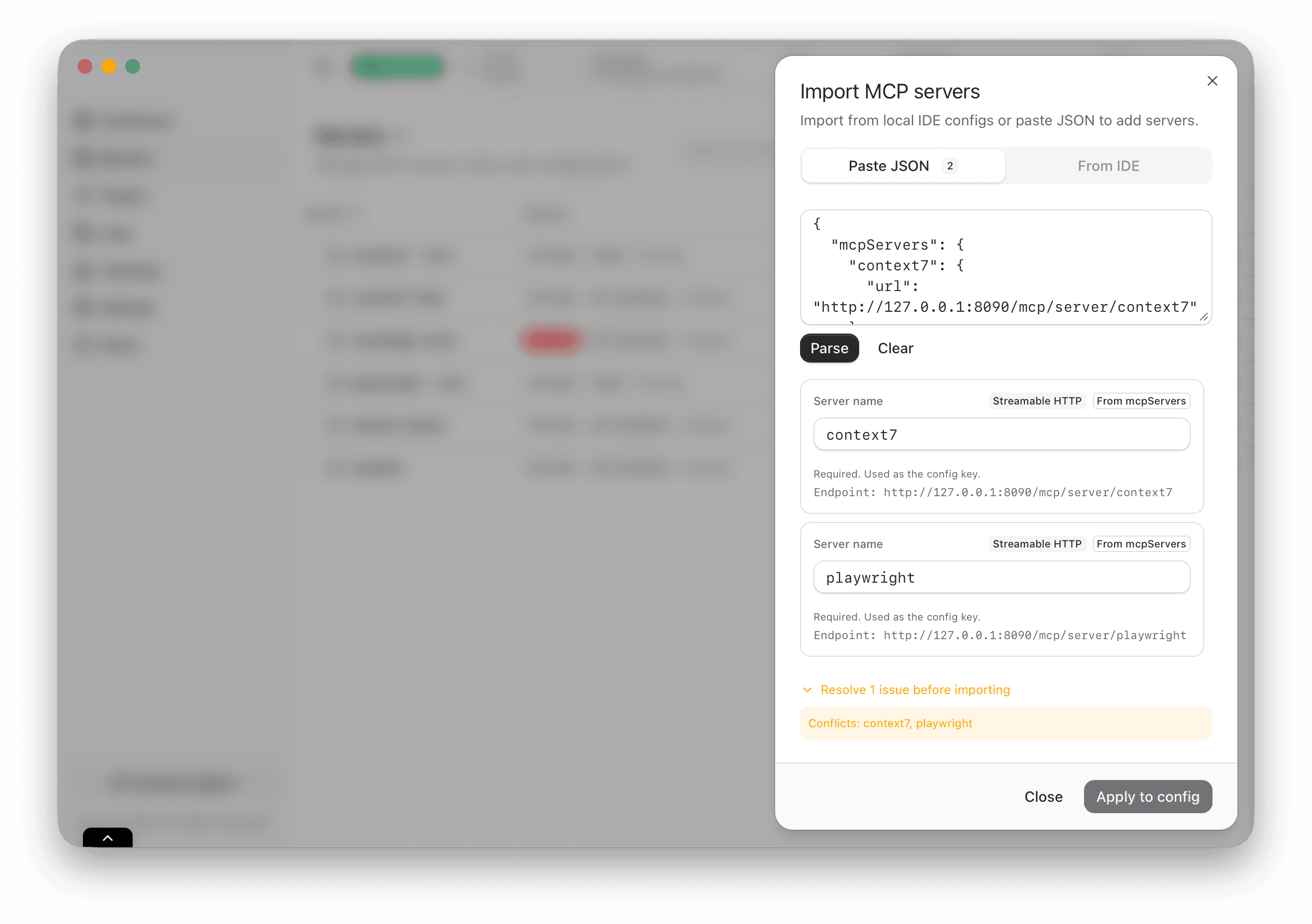
Paste JSON and review the preview list. Use this when you manage server specs in scripts or shared files.
What gets imported
MCPV UI pulls in the server name, command, transport, and tags when available. That is enough to produce a usable definition without manual edits.
Review before apply
After import, MCPV UI shows a draft list. You can rename items, adjust tags, and validate that each server looks correct before applying. This review step is deliberate. It prevents small mismatches from becoming runtime surprises.
If a server name already exists, the UI will ask you to resolve the conflict. That gives you a clean catalog and avoids accidentally overwriting a working configuration.
Keep names predictable
A consistent naming style makes logs and status views much easier to scan, especially when you have many servers.